
If you changed the fields in the current form or added a new form in your Facebook account, you need to pull up the relevant data for these forms in ApiX-Drive.
Here is the procedure:
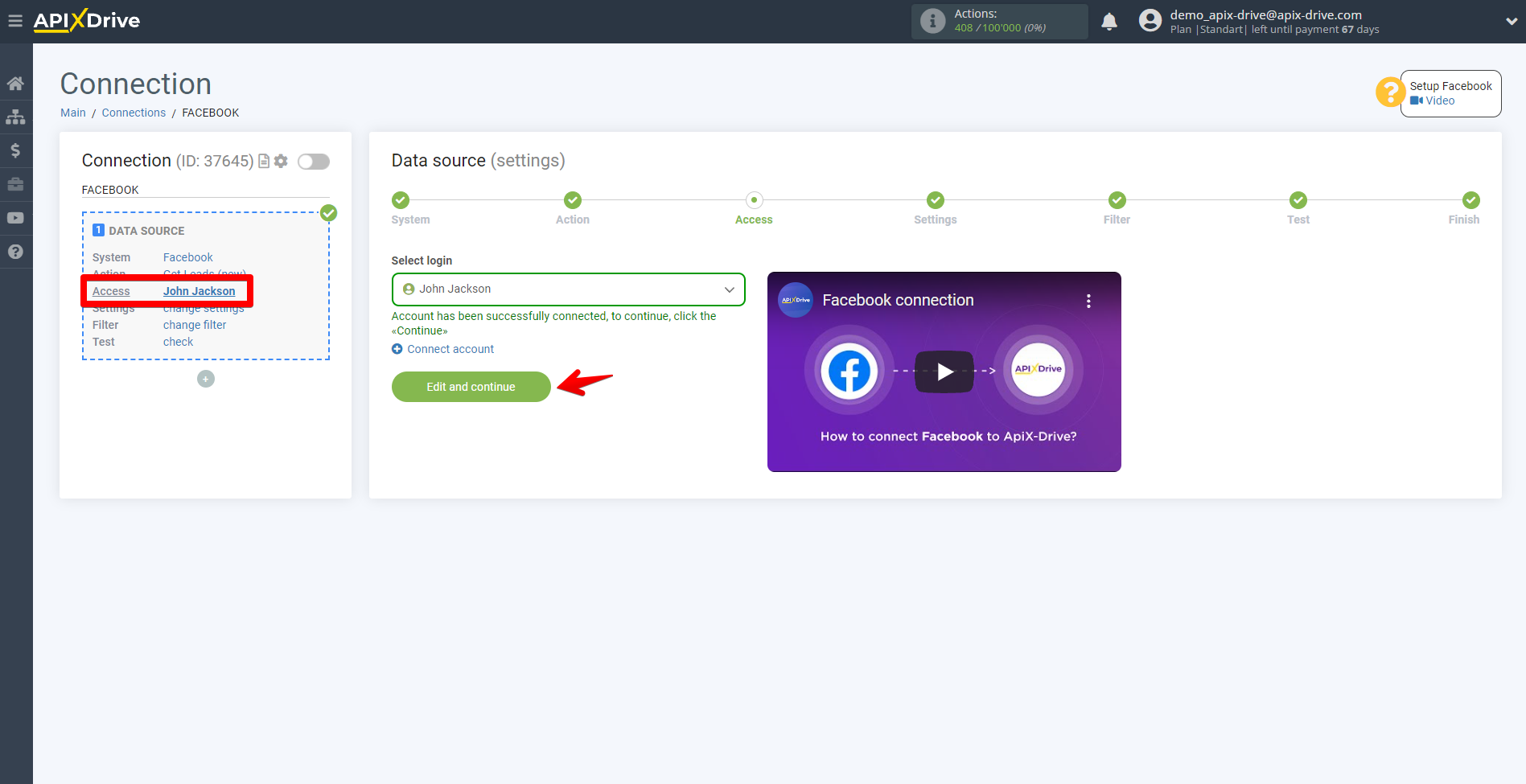
1. Go to the Access stage in the Data Source, without changing anything, click "Edit and continue".
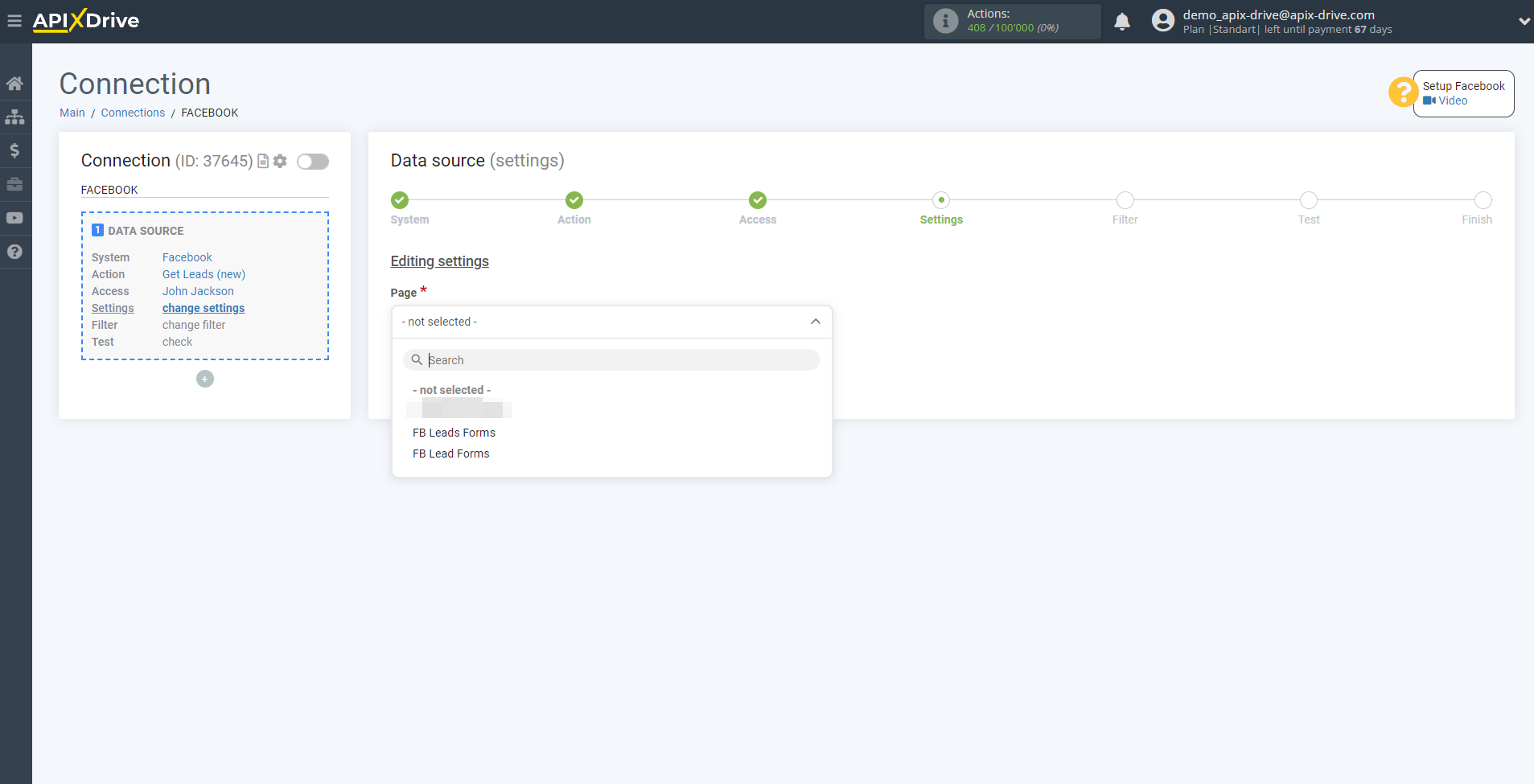
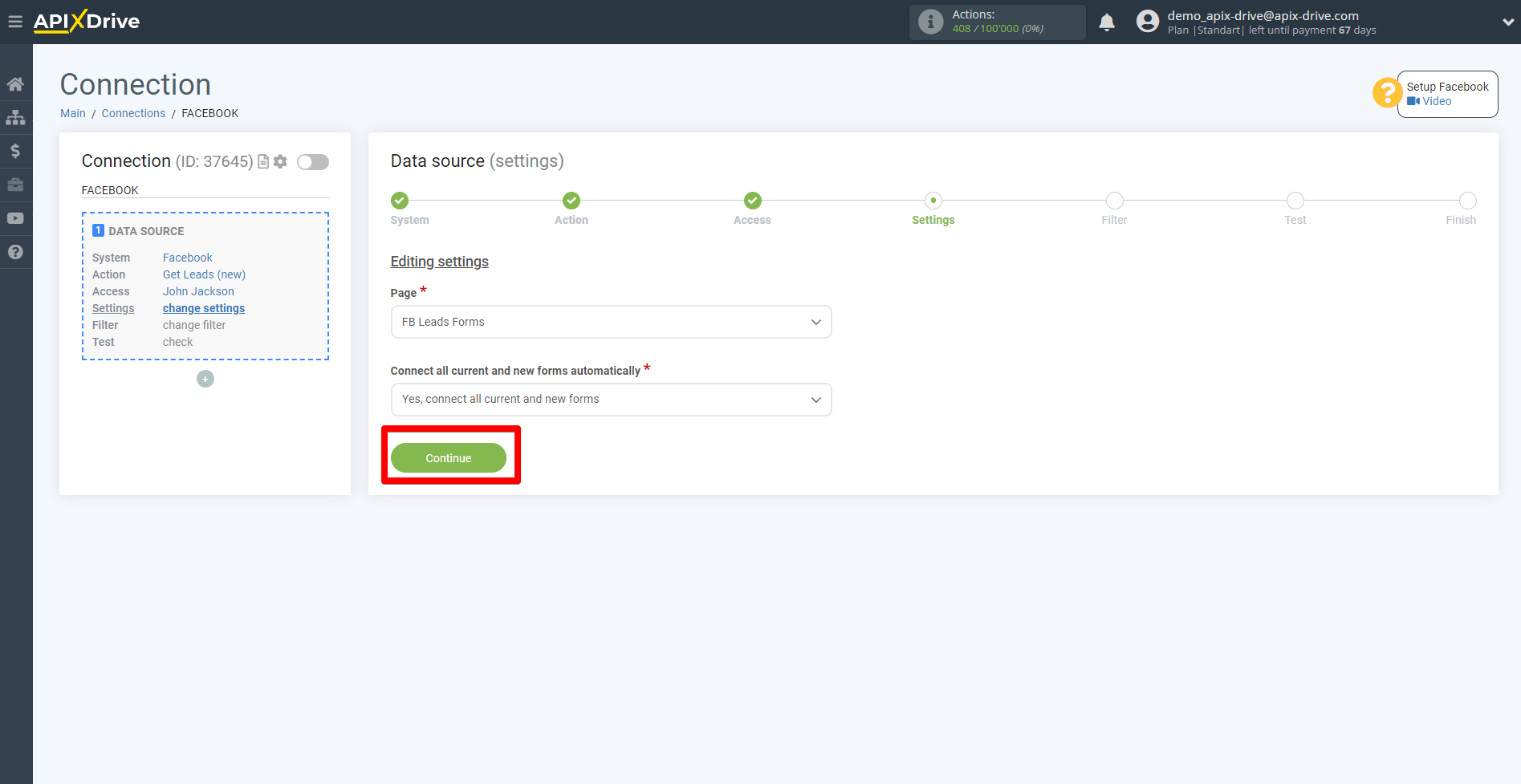
2. Select the page and forms again and click Continue.
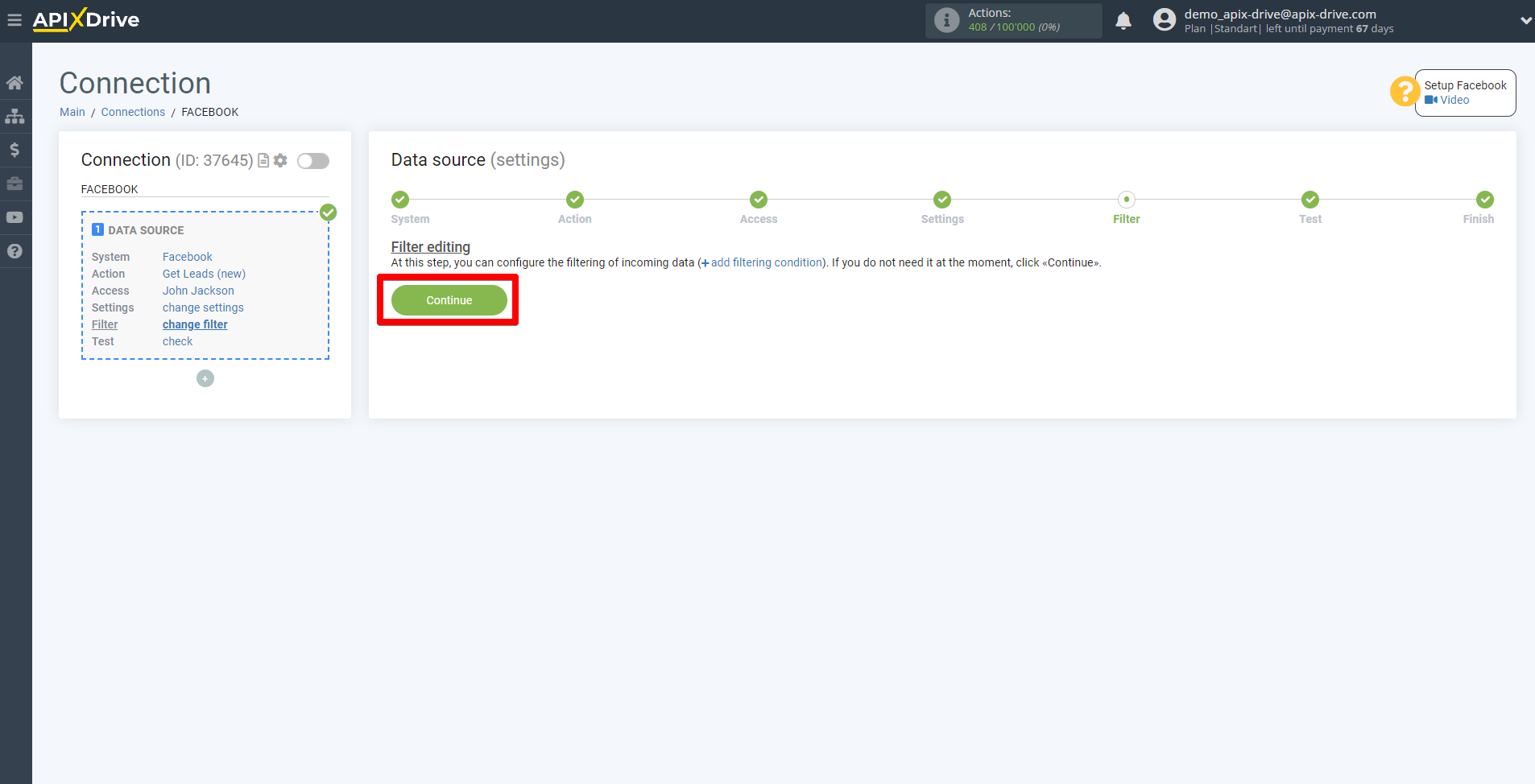
3. Go through the Filter setup if necessary or click Continue.
Go to the Test stage and click "Download test data from Facebook".
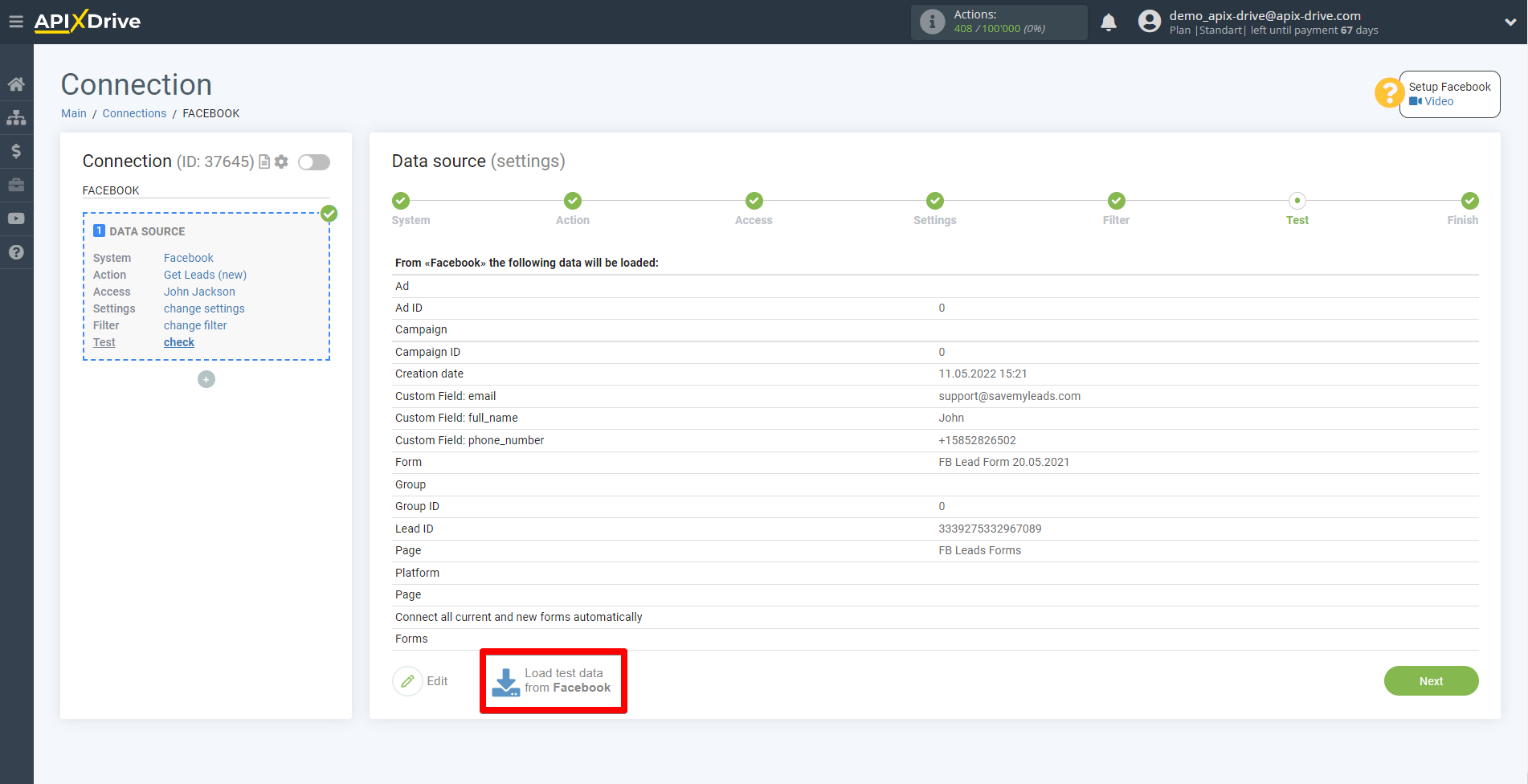
4. After the actual contact collection fields for all forms appear, go to the Edit settings step in Data Destination and assign these variables to the required fields.